
Description
Monthly budgets quietly fail when your money arrives every two weeks. The Paycheck Budget Planner flips the frame: you plan each paycheck the day it lands, give every dollar a job, and stop borrowing from next week.
Inside the template — tab by tab
- Start Here — two-minute setup for Excel or Google Sheets.
- Setup — up to 5 income sources with a frequency dropdown (weekly, every 2 weeks, twice a month, monthly); the sheet converts each into a monthly equivalent automatically. Plus 20 spending categories you can rename freely — every dropdown in the file follows your list.
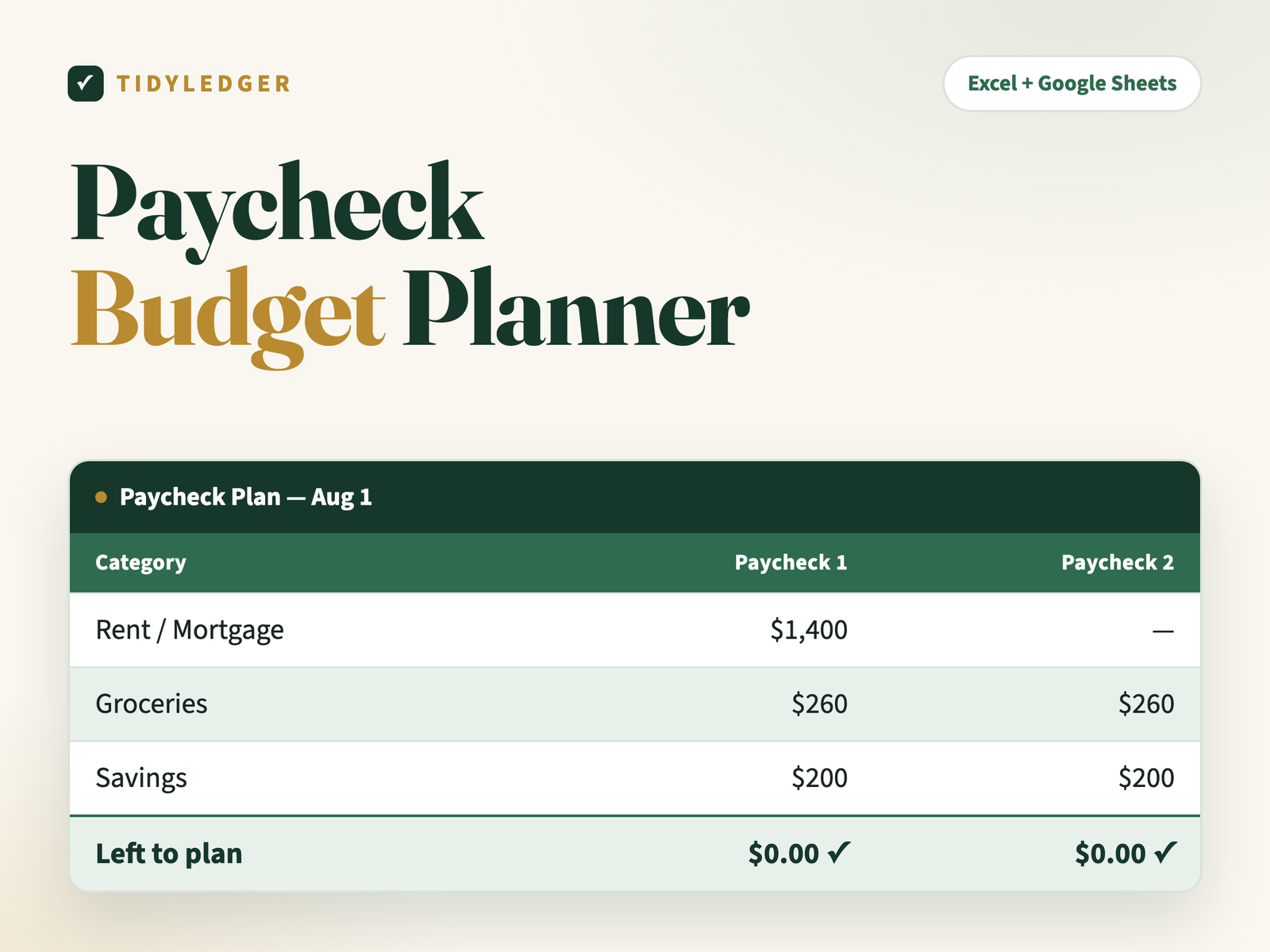
- Paycheck Plan — a zero-based grid for up to 6 paychecks a month. Enter each check’s date and amount, assign dollars down the column, and watch “Left to plan” tick down to a green $0.00. Live totals track monthly income, planned, bills and what’s left.
- Bill Calendar — 20 bills with category, amount, due day, autopay flag and which paycheck (1–6) covers each one, with an automatic per-paycheck load summary.
- Sinking Funds — 12 mini savings pots (car repairs, Christmas, vacation…) with goal, saved-so-far, a progress bar and months-to-goal at your current pace.
Why it works
Zero-based budgeting works because decisions happen when money arrives — not as regrets at month-end. The green $0.00 is the whole method: when every column clears, every dollar already has a job.
The details
- Format: Excel (.xlsx) — imports into free Google Sheets in two clicks (step-by-step instructions included)
- In your download: the spreadsheet, a Quick-Start PDF, a README and the personal-use license
- Delivery: instant download after checkout plus an email link — unlimited re-downloads, links never expire
- Works on: Excel 2016 or newer (Windows & Mac), Excel for the web, and Google Sheets. No macros, nothing to install.
- One rule: type only in white cells — green-tinted cells calculate themselves
- Guarantee: 30-day fix-or-refund. Reply to your order email; a human answers within 24 hours.
Reviews
There are no reviews yet.